Your Custom Promolink: How to Create Your Tracking Link
There are two easy ways to get your promotional link:
The Marketplace Method:
Log in to your Digistore24 account, find our product in the marketplace, and click the blue “Promote now” button. This will instantly give you the standard Digistore24 redirect link.
The Generator Method (Recommended):
Use the simple tool below to create a custom link that you can track. This is perfect for when you’re on our page and want to grab your link quickly.
Custom Promotion Link Generator
Create Your Custom Promotion Link
Use this to track where your sales come from.
Enter your ID above to generate the link.
What is a Tracking Key?
(A Simple Guide for Affiliates)
You might be wondering what the optional “Tracking Key” is for. Think of it as a nickname you give your link to see which of your marketing efforts works best.
For example, imagine you promote us in an email and on Facebook.
• For your email link, you could set the tracking key to email_promo.
• For your Facebook link, you could set the tracking key to facebook_post.
In your Digistore24 reports, you’ll see exactly which link brought in the sales. This helps you figure out what your audience responds to so you can make more money!
your promotional toolkit:
Resources to help you succeed
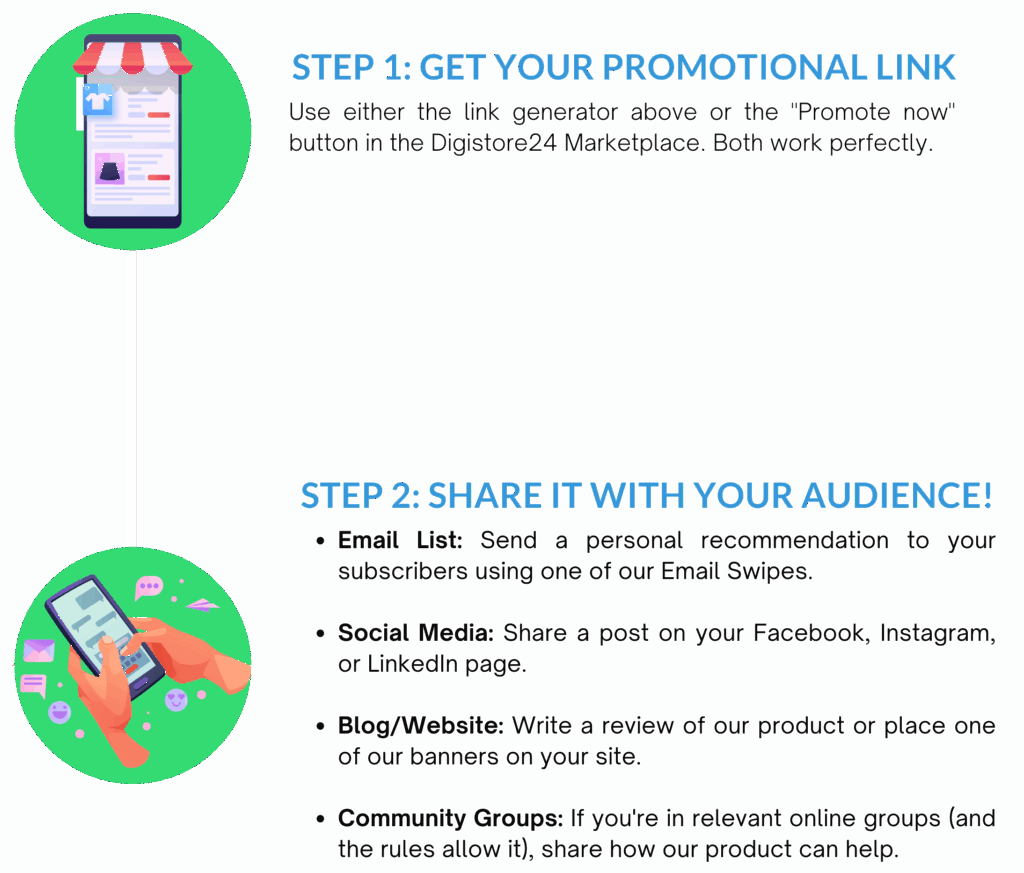
Ready to start earning? Here’s a simple 2-step plan:
Questions? We're Here to Help!
"Your success is our success. If you have any questions or need specific resources, please don't hesitate to reach out to our affiliate management team."